Printer Scanner Review
Download and setup notes for Printer Scanner. Useful links are listed below.
Download starts through this site’s download flow (operator MySoft package when uploaded).
Printer Scanner DownloadFree for PC · site download
Overview
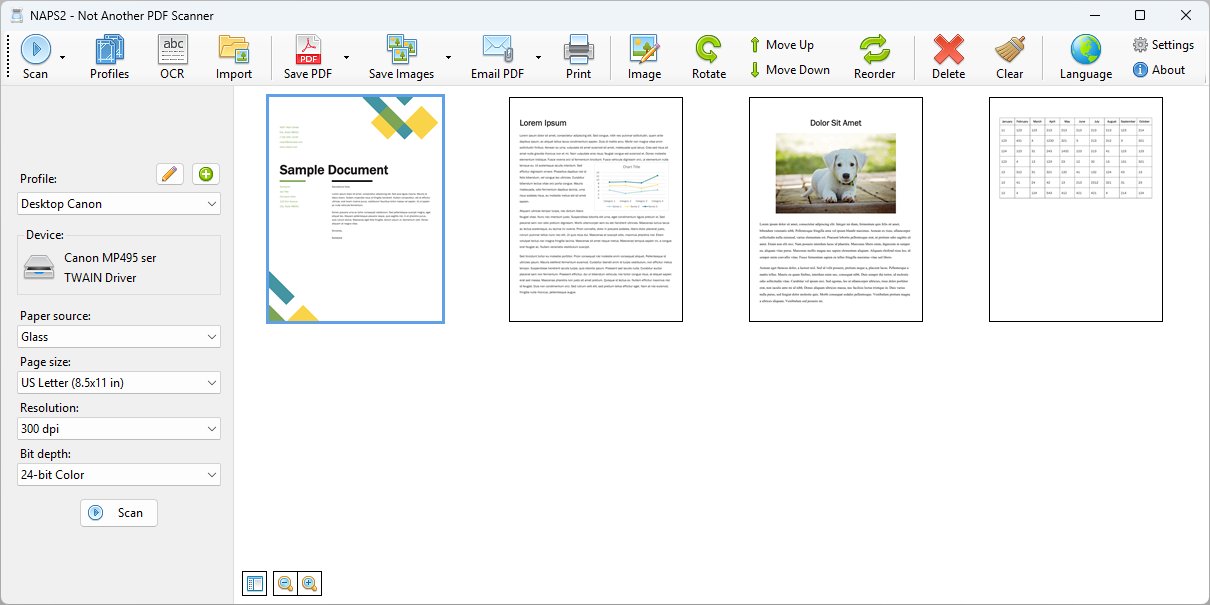
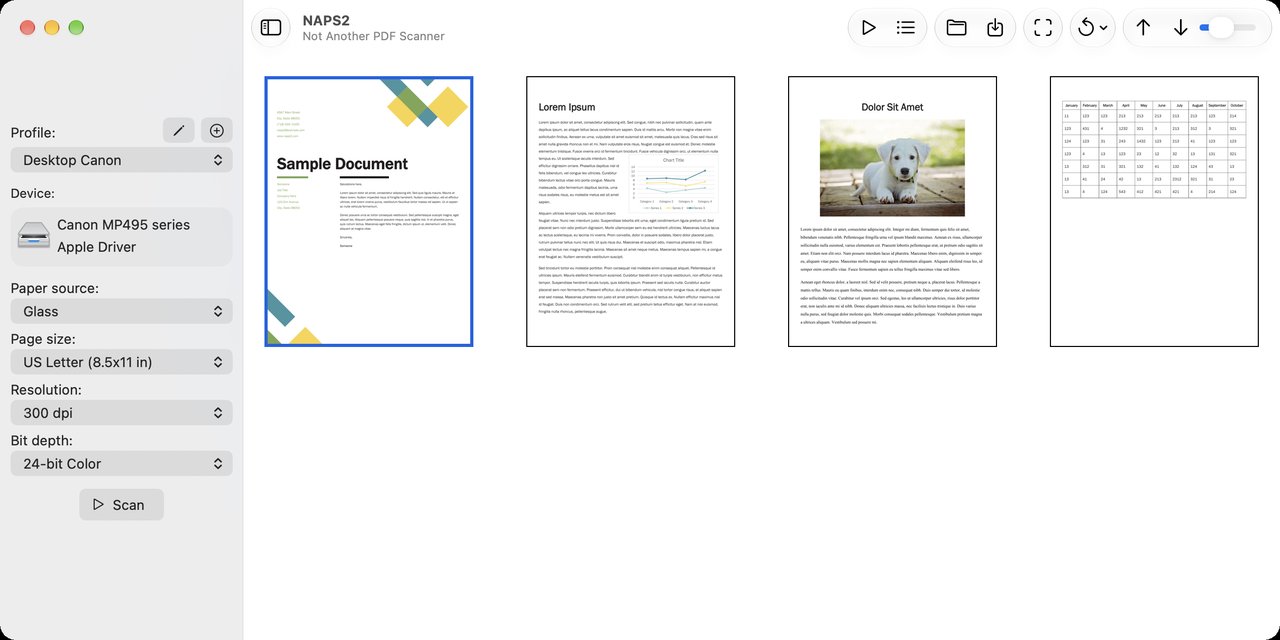
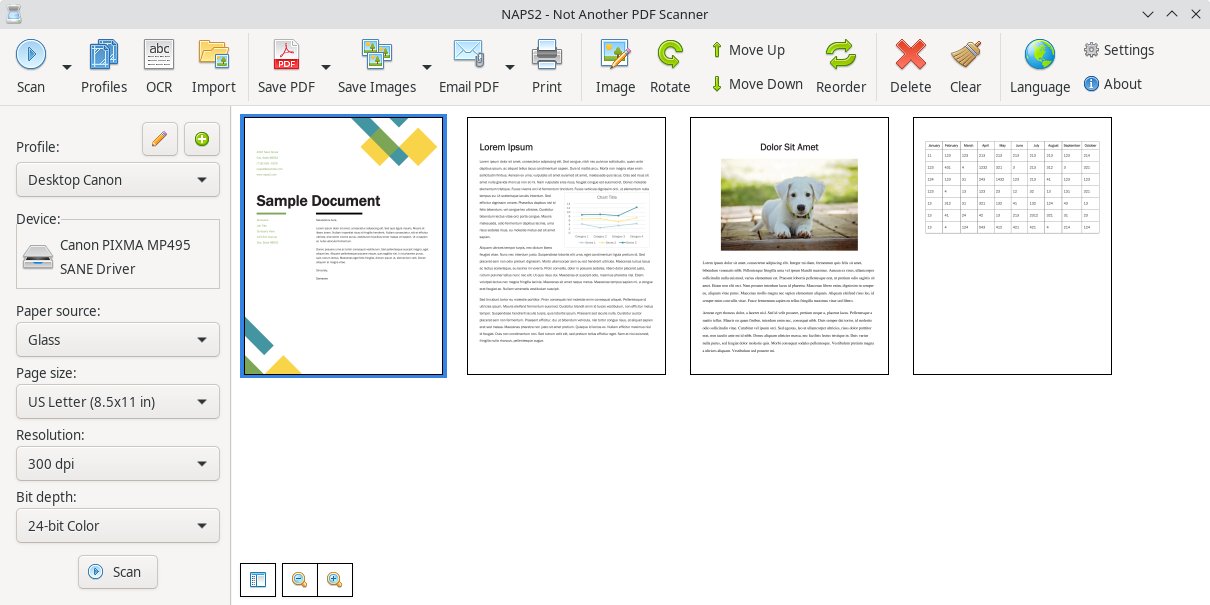
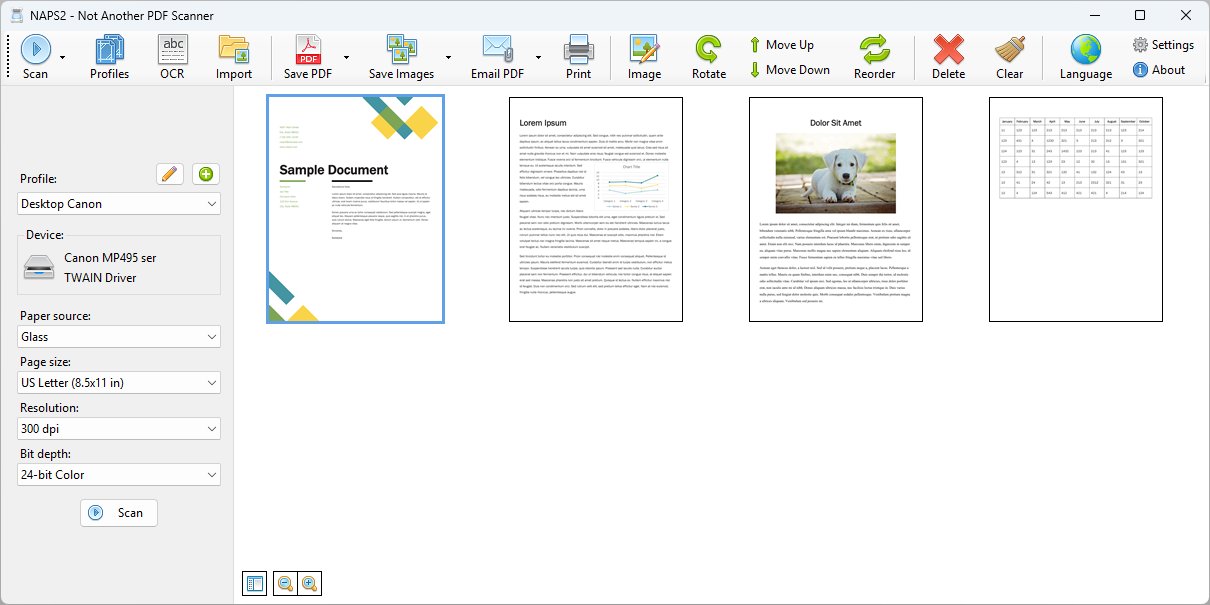
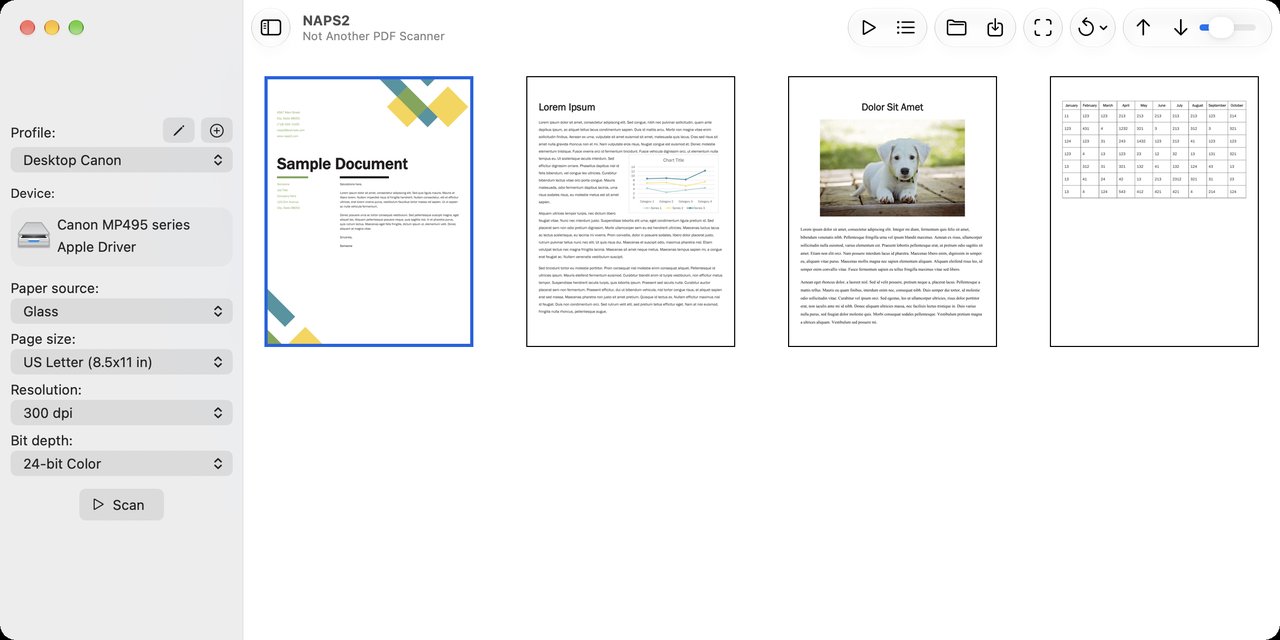
Printer Scanner is a Windows utility UI for selecting scanners/MFPs, previewing pages, exporting PDF/images, and storing DPI defaults. This guide covers install, device selection, preview, export, and settings — with software UI screenshots.
Why Choose Printer Scanner
- Simple Windows scan/export workflow
- Device selection and preview screens
- PDF and image export
- DPI and default settings
- SEO guide for printer-scanner on Windows
Key Features
Printer Scanner for Windows helps home and office users capture pages without vendor lock-in UI maze. The documented path is device → preview → export with screenshotable dialogs. Ideal for receipt/PDF archives on Windows 10 and Windows 11.
- Device picker: Choose scanner or multifunction printer quickly.
- Scan preview: Crop and check pages before saving.
- Export formats: Save PDF or common image formats.
- DPI controls: Match quality to archive vs email needs.
- Defaults: Remember folders and naming patterns.
Screenshots
System Requirements
| Component | Minimum Requirement |
|---|---|
| Operating System | Windows 10 / 11 (64-bit) |
| Architecture | x64 |
| RAM | 4 GB |
| Disk | 200 MB free |
| Network | Internet for activation / VPN / cloud features |
Technical Specifications
| Operating System | Windows 10 / 11 (64-bit) |
|---|---|
| Architecture | x64 |
| RAM | 4 GB |
| Disk | 200 MB free |
| Network | Internet for activation / VPN / cloud features |
Pros and Cons
Pros
- Simple Windows scan/export workflow
- Device selection and preview screens
- PDF and image export
- DPI and default settings
- SEO guide for printer-scanner on Windows
Cons
- Feature availability for Printer Scanner depends on your organization policy and license.
- Always prefer allowlisted downloads from this guide or the vendor site.
- UI labels can vary slightly between builds — screenshots may differ from your package.
Printer Scanner Setup in 5 Steps
- Install the utility. Download from [appzorix.pro](https://appzorix.pro/printer-scanner/) and install on Windows.
- Select device. Pick your scanner or multifunction printer in the device list.
- Preview scan. Run a preview, crop, and set color/DPI as needed.
- Export. Save to PDF/JPEG/PNG and confirm the output folder.
- Tune defaults. Set default DPI and file naming in settings.
Recommendations
- Download Printer Scanner through this guide page or the official vendor channel.
- Confirm Windows 10/11 and free disk space before running setup.
- Keep the client updated when your vendor publishes security fixes.
Software Details
| Package | Printer Scanner for Windows |
|---|---|
| Release | latest |
| Platform | Windows |
| License | Proprietary / Freeware EULA |
| Guide URL | https://appzorix.pro/printer-scanner/ |
Useful Links
- 🌐 Download page — Windows guide
- 🖨️ Windows scanning tips — OS-level scanner help
Frequently Asked Questions
Where does the Download button go?
It uses this site’s download flow (MySoft package when uploaded; otherwise the allowlisted official package).
Do screenshots match my build?
Screenshots show the software UI and may differ slightly from the download build version.
Is this the vendor website?
No — this is an independent Windows download/setup guide with UI documentation.
User Reviews
Short reader notes about Printer Scanner and this guide on appzorix.
-
★★★★☆
“Bookmarking this software page”
-
★★★★★
“Virus scan badge reassuring”
-
★★★★★
“Useful system requirements table”
-
★★★★★
“Printer Scanner download was easy”
-
★★★★★
“Very practical Windows tips”
-
★★★★☆
“Helpful FAQ answered quickly”
-
★★★★★
“No spam just guidance”
-
★★★★★
“Install wizard ran smoothly”
-
★★★★★
“Simple and very reliable”
-
★★★★★
“Fast page easy download”
-
★★★★☆
“Clear Printer Scanner setup”
-
★★★★★
“Helpful screenshots and notes”
-
★★★★★
“Official package linked correctly”
-
★★★★★
“Printer Scanner installs cleanly”
-
★★★★★
“Setup steps were accurate”
-
★★★★☆
“Works well after install”
-
★★★★★
“Great soft and site”
-
★★★★★
“Trusted Printer Scanner page”
-
★★★★★
“Clean UI guide pages”
-
★★★★★
“Short clear setup tips”
-
★★★★☆
“Solid Printer Scanner guide”
-
★★★★★
“Windows guide done right”
-
★★★★★
“Download finished without issues”
-
★★★★★
“Quick start was painless”
Leave a review
Share a short note about Printer Scanner. Reviews are moderated before they appear.